
DBeaver is a free Universal SQL Client. It works with SQL Server as well as most other database platforms. https://dbeaver.jkiss.org/
Since SSMS is not yet available for Linux, I wanted a database client that could browse objects, write queries and would get results as a nice grid. DBeaver is laid out very nicely and comes with a SQL prompter and SQL formatter. It does not have all of the functionality that SSMS has. It is missing most of the GUI based SQL server administrative tasks, like right clicking add login, and similar functions but that can all be done via TSQL anyway. DBeaver would work great for a developer who needs to connect to multiple DB platforms and wants to create projects and write SQL code and who is does not need GUI based administrative tasks.
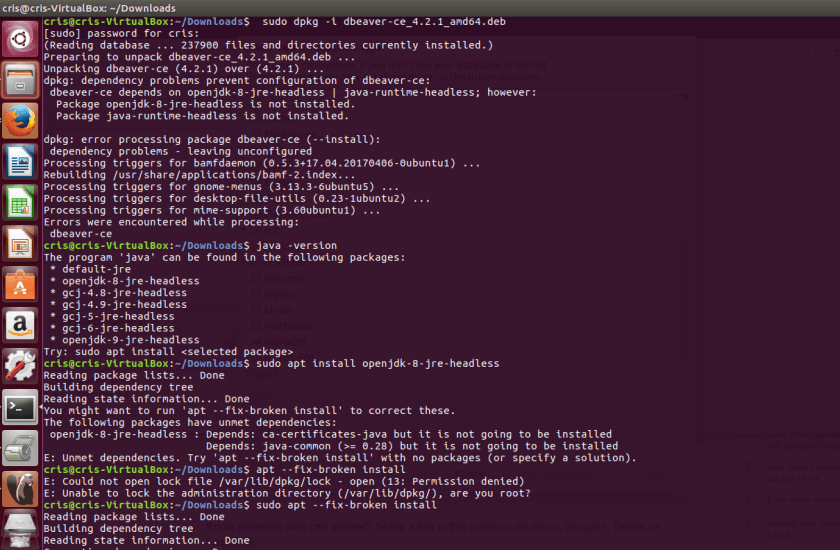
Below is the code to install. I ran into an issue because my Ubuntu VM did not have Java installed. I searched for the java packages that were installed and Ubuntu told me it didn’t have any so I followed the prompt to install. Ubuntu even gave me the commands I needed. I also had an unmet dependency but Ubuntu gave me the command to fix it.
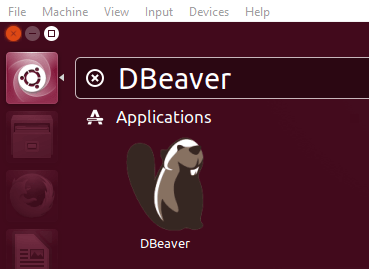
After install search for DBeaver.
enter properties in the connection manager
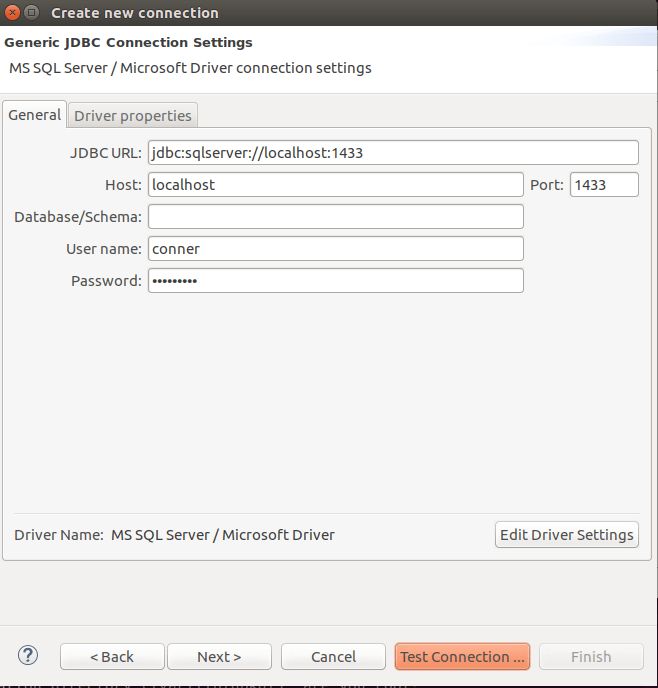
And connect.
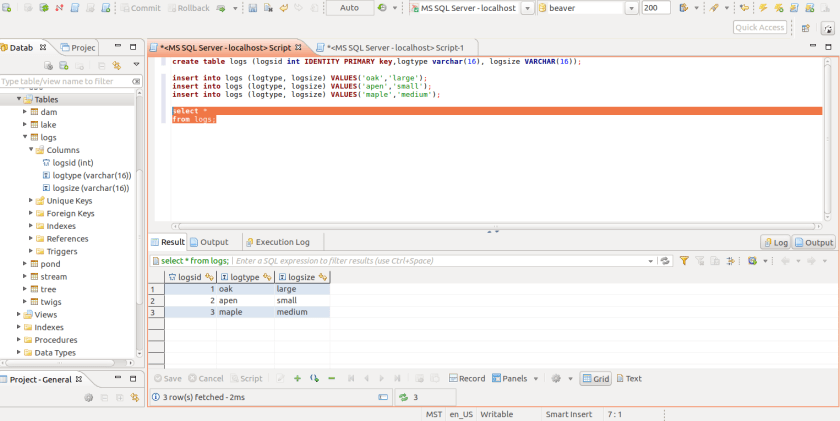
The layout and visual appeal is very good. DBeaver even has DDL and DML object scripting.

 Cris Conner's SQL Blog