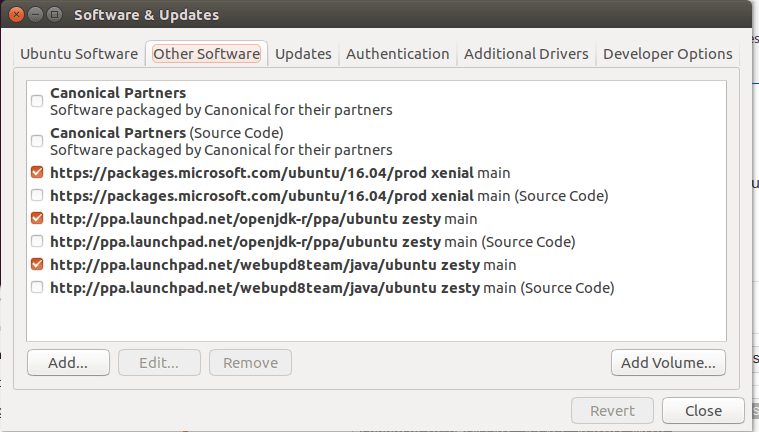
If you have installed a pre-GA version, you will need to remove that version from the repository.
- you can remove the pre-GA version from the repository using “software and updates”
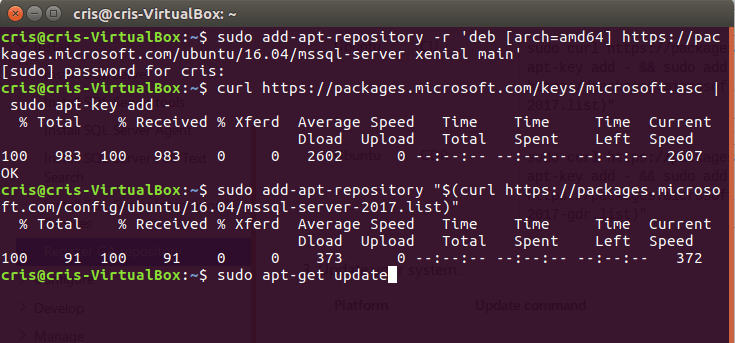
 2. or you can use bash
sudo add-apt-repository -r 'deb [arch=amd64] https://packages.microsoft.com/ubuntu/16.04/mssql-server xenial main'
3. Import the key
curl https://packages.microsoft.com/keys/microsoft.asc | sudo apt-key add -
4. Register the Microsoft SQL Server Ubuntu repository
sudo add-apt-repository "$(curl https://packages.microsoft.com/config/ubuntu/16.04/mssql-server-2017.list)"
5.Update the package lists
sudo apt-get update
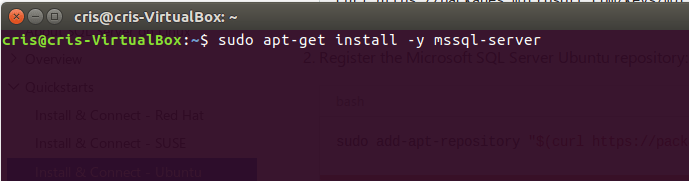
6.Install SQL Server
sudo apt-get install -y mssql-server
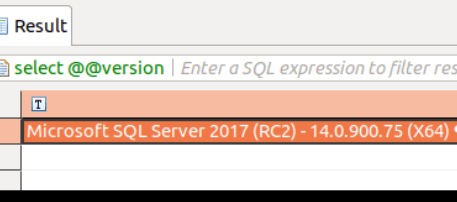
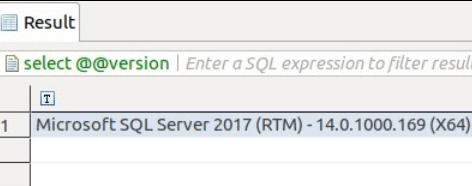
Check out the new version.
 Cris Conner's SQL Blog