Always Encrypted(AE) is a new feature for SQL Server 2016 that protects data at rest as well as data in motion. AE is implemented at the column level. Two keys are used to protect an AE encrypted column. The Column Encryption Key which is stored in the database, and the Column Master Key which is stored on a client machine like an application server. The key to making this work is that the Column Master Key is stored on a different machine than the SQL server; therefore, the column can only be unencrypted by the machine where the Column Master Key is stored. The client will need an Always Encrypted compatible driver. The unencryption process happens at the driver level of the client machine. In this example I will use Always Encrypted on an Azure database. I think this is a good use case for AE. If your Azure DB gets compromised, you don’t want cloud operators to have access to your sensitive data, or you are worried about cloud security in general, this is a good solution.
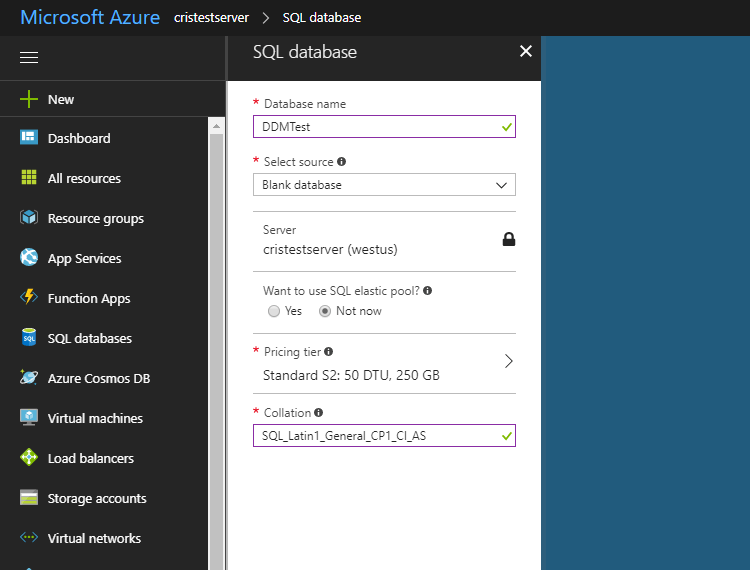
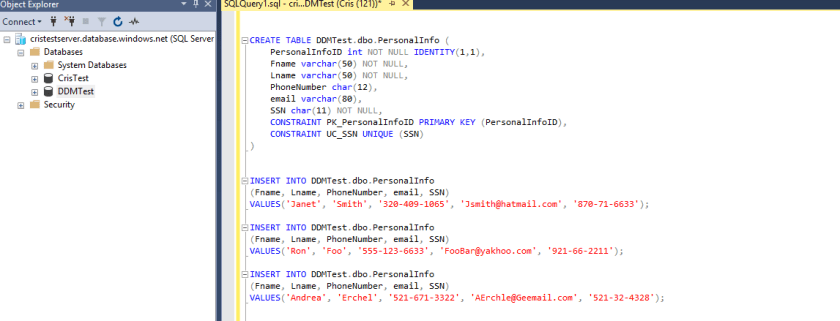
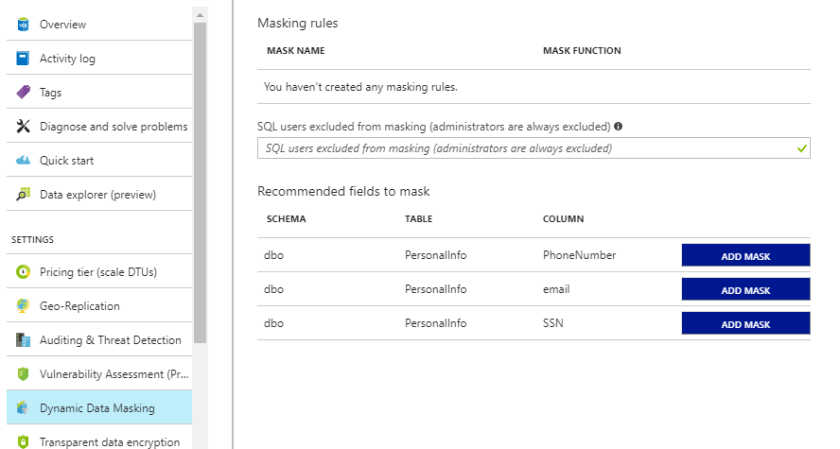
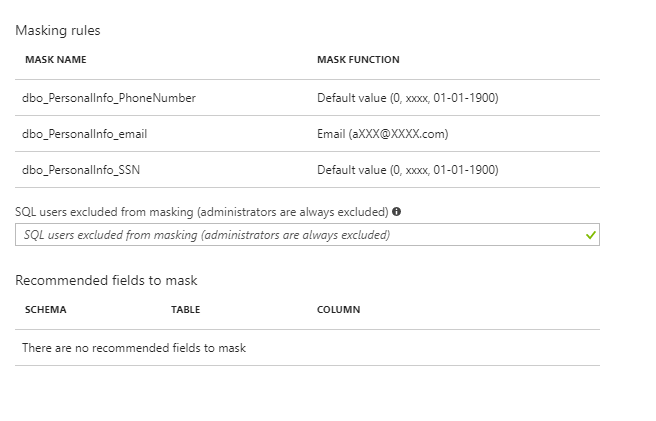
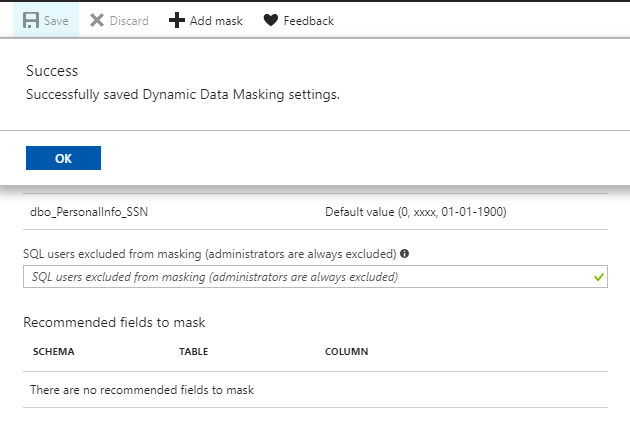
I am going to use the same database and table I used in the prevoius Dynamic Data Masking(DDM) demo. Be sure to remove DDM on any columns you want to use AE because AE is not compatible with DDM.
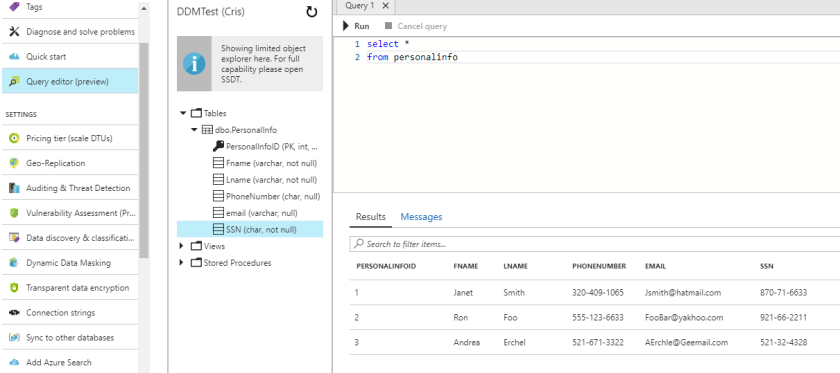
Here is the data we are working with queried from the Azure interface.
Open up SSMS and connect to your Azure DB. Then right click on the table you want to encrypt and select encrypt columns.

This will launch the AE wizard
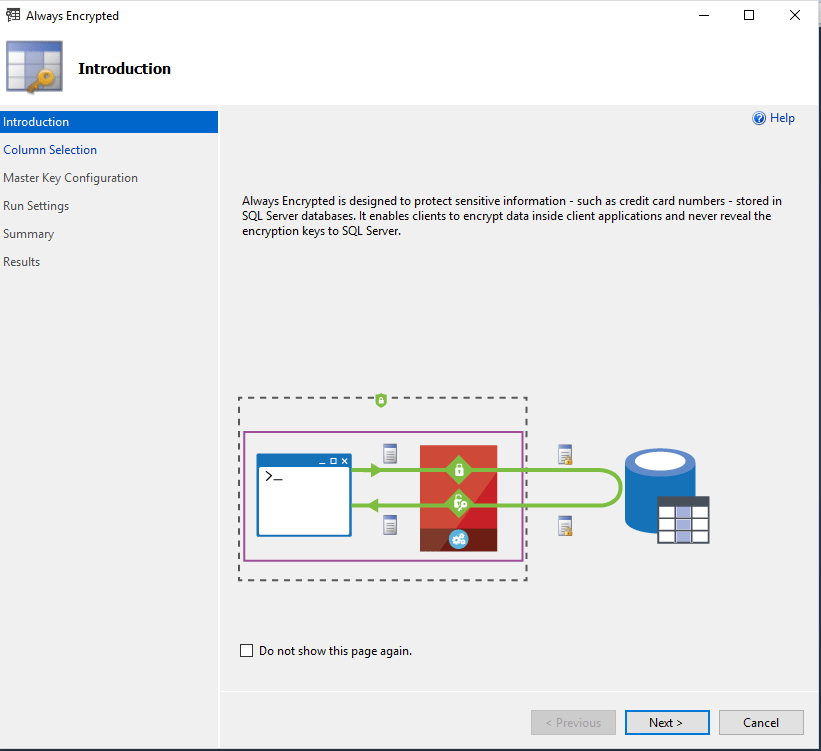
Hit next and select the columns you want to encrypt. You will need to select the encryption type. You can choose either Deterministic or Random. Deterministic means that it will always generate the same value for a given plain text value. This will enable you to filter, join and index the column. Deterministic is not as secure and someone may be able to guess the values especially if the data is not widely variable like a yes or no field. Random means that it will not generate the same value for a given plain text value. this is considered more secure but you cannot filter, join or index the column.
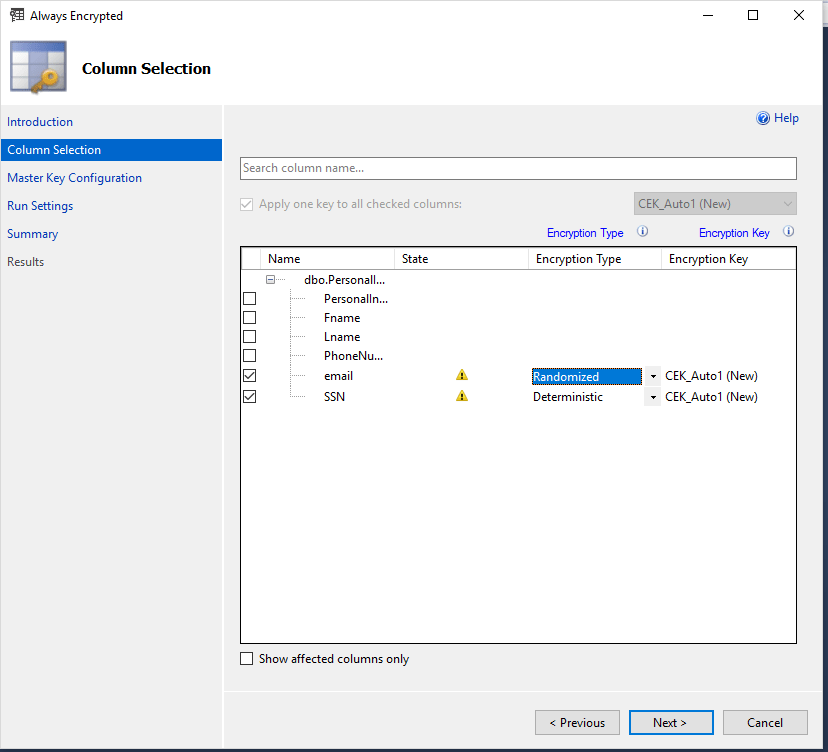
AE columns can only use the Latin1_General_ BIN2 coalition. Keep in mind BIN2 is case sensitive. This might create problems filtering or joining. In this case the AE wizard will convert my columns to BIN2. The Wizard gives you a warning.

Next is the Column Master Key configuration.
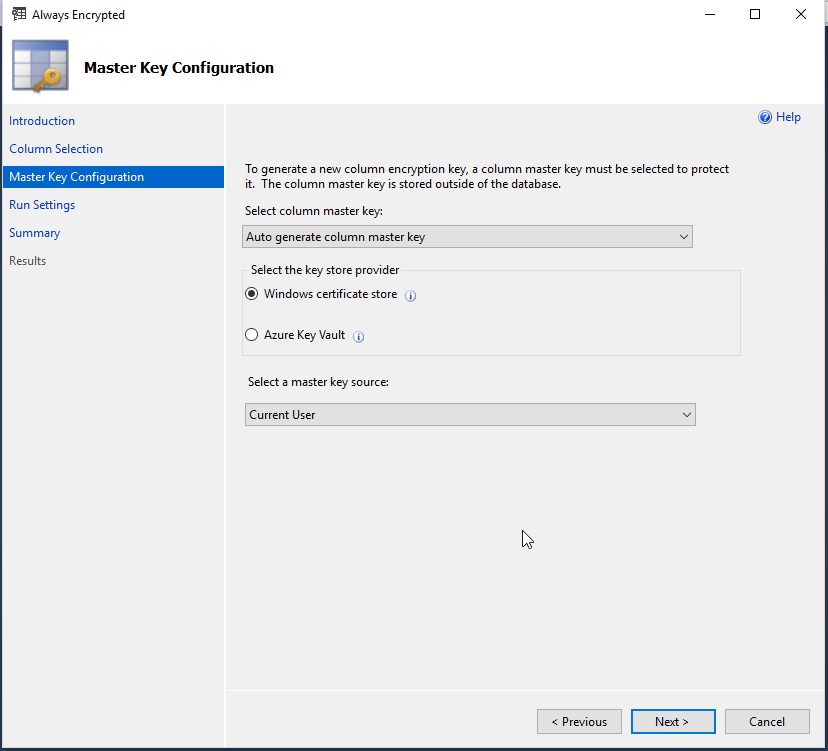
the wizard gives you information on the Key Providers.
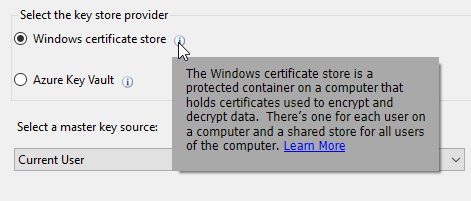
We are going to use the Windows certificate to create a CMK on the client.
The wizard warns me that I don’t have enough Database Transaction Units (DTUs) to expect any performance while encrypting. This did take a surprising amount of time to encrypt 2 columns with 3 rows. A little over 5 minutes! This is just a demo so we will have to deal with the low DTUs, but if you were to really do this you will need to crank up your DTUs.
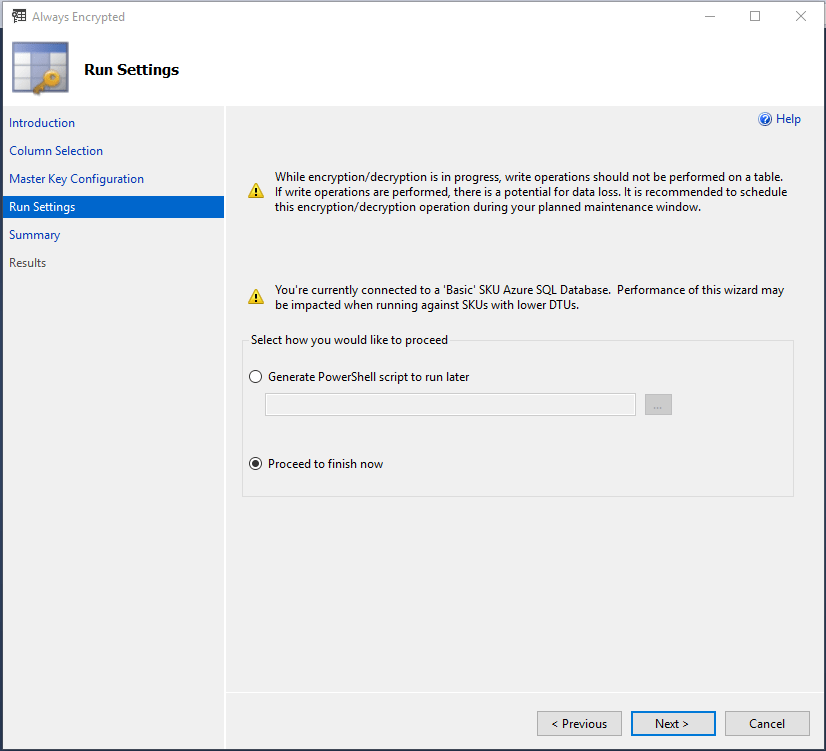
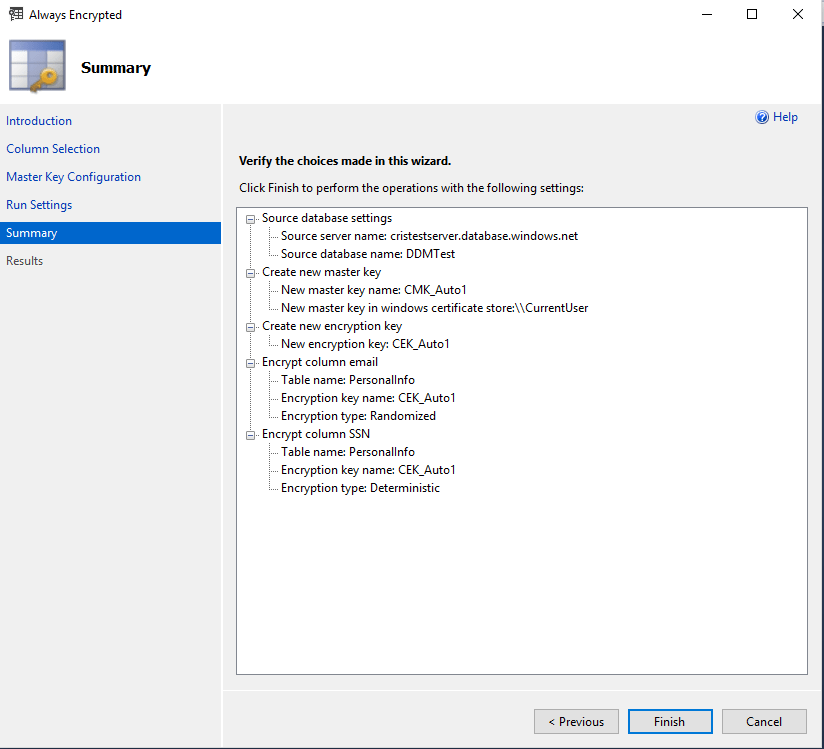
The Summary
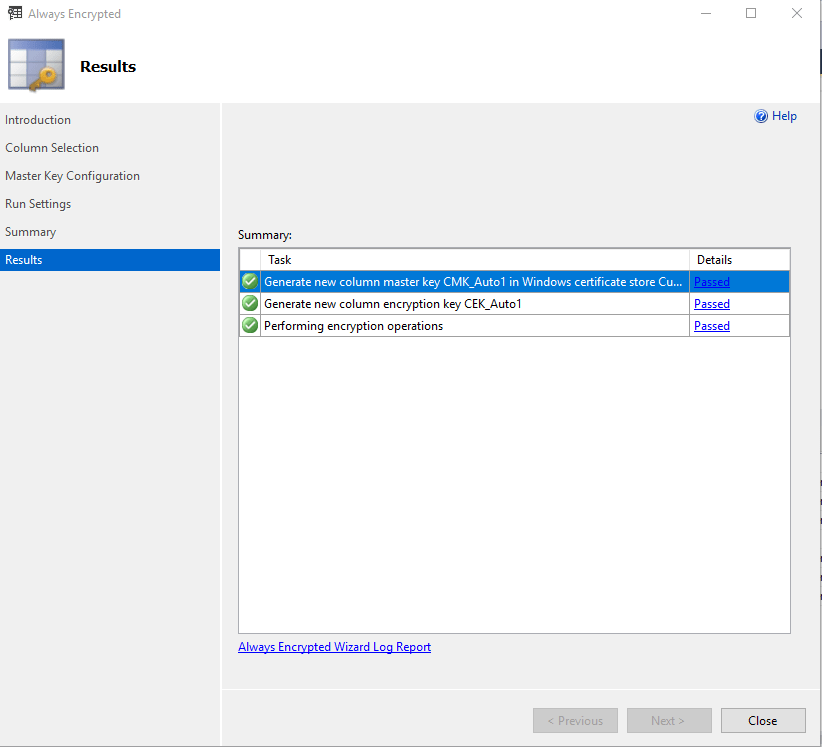
Done
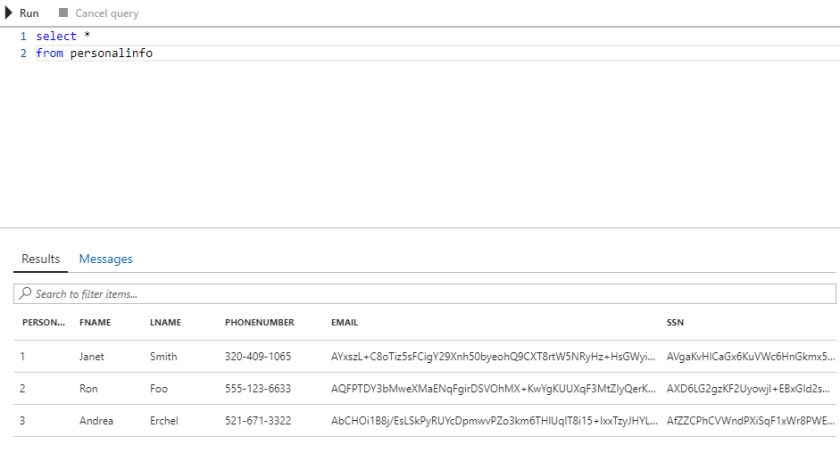
Now when I query the data from the Azure interface it is encrypted.
AE was designed for an application to interact with the encrypted data. However, you can interact with it using SSMS. SSMS 2017 has features built in to interact with AE data.
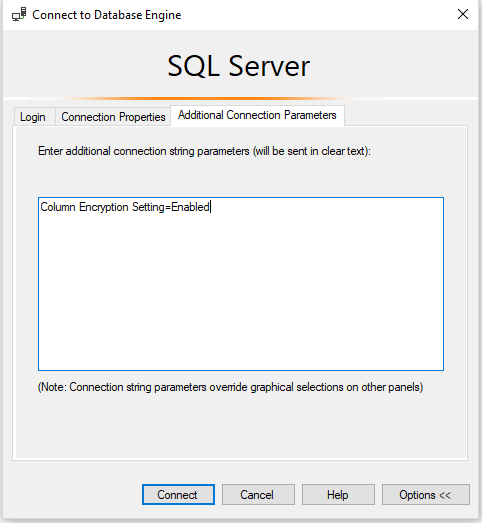
you have to specify in the connection that it needs to use an encrypted connection:
Column Encryption Setting = Enabled
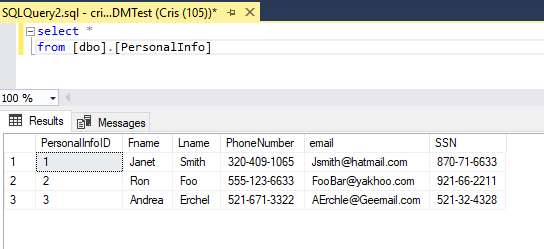
Now when we query from a client that contains the CMK, you can see the unencrypted data.
AE is intended for use with parameterization. If you try to filter the query using a literal you will get an error. If you do not turn on the query parameterization option you will get an error. The parameterization option is only available in SSMS 2017 and greater. You need to filter by variable and have parameterization on. SSMS will warn you about this
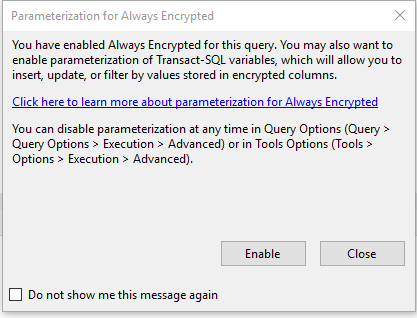
or you can turn it on in the query options.
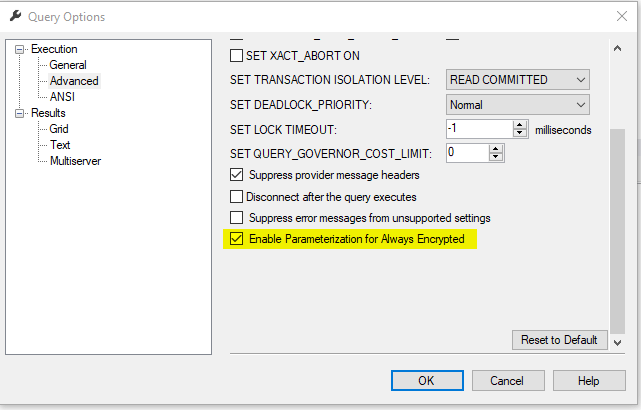
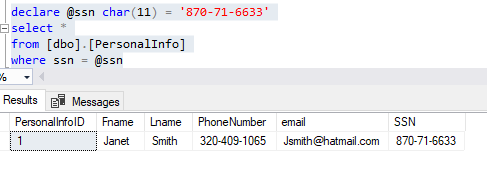
Now you can filter, update, insert the data in SSMS
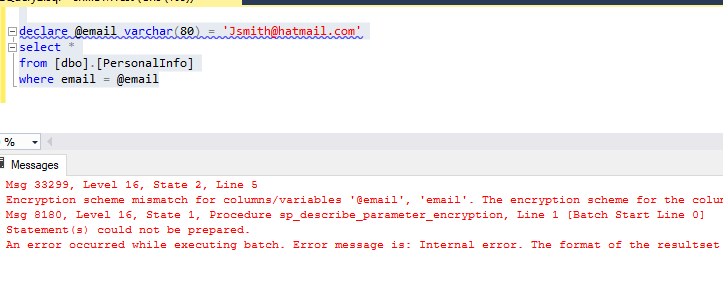
What happens if we try to filter on the Randomized column we encrypted? It won’t work. you get an error.
Msg 33299, Level 16, State 2, Line 6
Encryption scheme mismatch for columns/variables ’email’, ‘@email’. The encryption scheme for the columns/variables is (encryption_type = ‘RANDOMIZED’, encryption_algorithm_name = ‘AEAD_AES_256_CBC_HMAC_SHA_256’, column_encryption_key_name = ‘CEK_Auto1’, column_encryption_key_database_name = ‘DDMTest’) and the expression near line ‘5’ expects it to be (encryption_type = ‘DETERMINISTIC’) (or weaker).
Msg 8180, Level 16, State 1, Procedure sp_describe_parameter_encryption, Line 1 [Batch Start Line 1]
Statement(s) could not be prepared.
An error occurred while executing batch. Error message is: Internal error. The format of the resultset returned by sp_describe_parameter_encryption is invalid. One of the resultsets is missing.
Always Encrypted ensures only approved applications can see the unencrypted the data. Although we used SSMS 2017 in the demo, AE columns are meant for an application with a compatible driver and a copy of the Column Master Key to interact with the data. Always Encrypted prevents cloud operators, or other high level, but unauthorized users from seeing the data. It protects data in motion and data at rest.
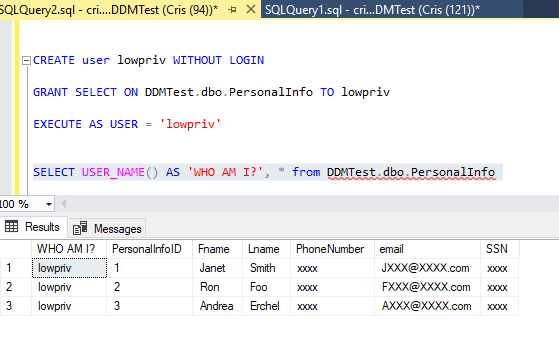



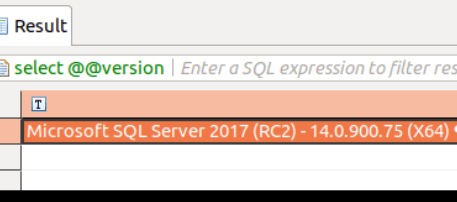
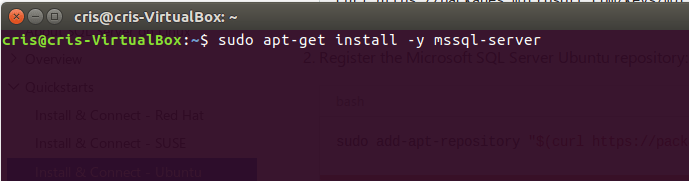
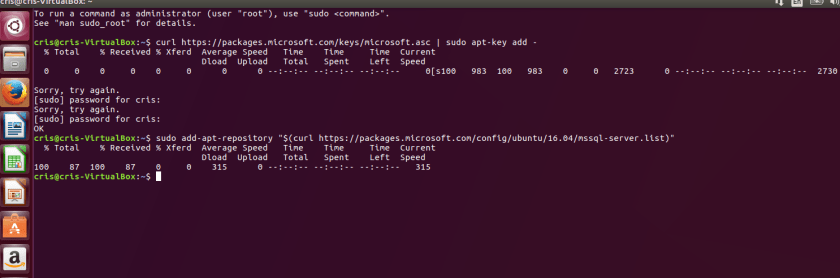
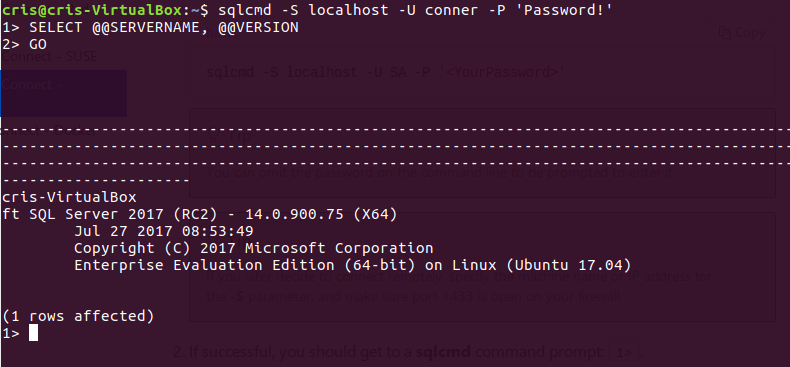
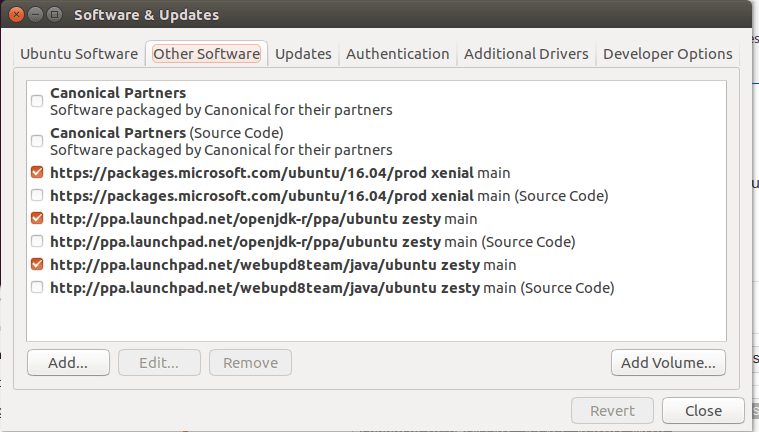 2. or you can use bash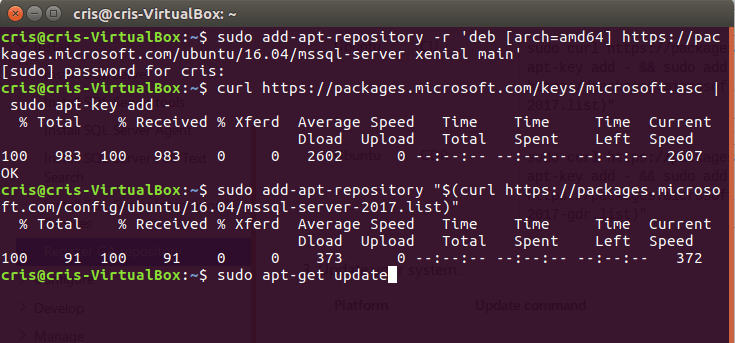




![2017-09-15 13_11_38-ubuntu-17.04 (Snapshot 1) [Running] - Oracle VM VirtualBox](https://crispianconner.com/wp-content/uploads/2017/09/2017-09-15-13_11_38-ubuntu-17-04-snapshot-1-running-oracle-vm-virtualbox.png?w=840)
![2017-09-15 13_19_18-ubuntu-17.04 (Snapshot 1) [Running] - Oracle VM VirtualBox](https://crispianconner.com/wp-content/uploads/2017/09/2017-09-15-13_19_18-ubuntu-17-04-snapshot-1-running-oracle-vm-virtualbox.png?w=840)
![2017-09-15 14_51_20-ubuntu-17.04 [Running] - Oracle VM VirtualBox](https://crispianconner.com/wp-content/uploads/2017/09/2017-09-15-14_51_20-ubuntu-17-04-running-oracle-vm-virtualbox.png?w=840)
![2017-09-15 14_53_02-ubuntu-17.04 [Running] - Oracle VM VirtualBox](https://crispianconner.com/wp-content/uploads/2017/09/2017-09-15-14_53_02-ubuntu-17-04-running-oracle-vm-virtualbox.png?w=840)
![2017-09-15 14_57_25-ubuntu-17.04 [Running] - Oracle VM VirtualBox](https://crispianconner.com/wp-content/uploads/2017/09/2017-09-15-14_57_25-ubuntu-17-04-running-oracle-vm-virtualbox.png?w=840)
![2017-09-15 15_00_55-ubuntu-17.04 [Running] - Oracle VM VirtualBox](https://crispianconner.com/wp-content/uploads/2017/09/2017-09-15-15_00_55-ubuntu-17-04-running-oracle-vm-virtualbox.png?w=840)
![2017-09-15 15_05_59-ubuntu-17.04 [Running] - Oracle VM VirtualBox](https://crispianconner.com/wp-content/uploads/2017/09/2017-09-15-15_05_59-ubuntu-17-04-running-oracle-vm-virtualbox.png?w=840)




 Cris Conner's SQL Blog